An AI email reply generator that knows who you are writing to
Most AI email reply generators see one message. Mars sees the email, the person who sent it and everything you have discussed with them, then drafts an AI email reply for you to send.
It reads the email itself, not your summary of it
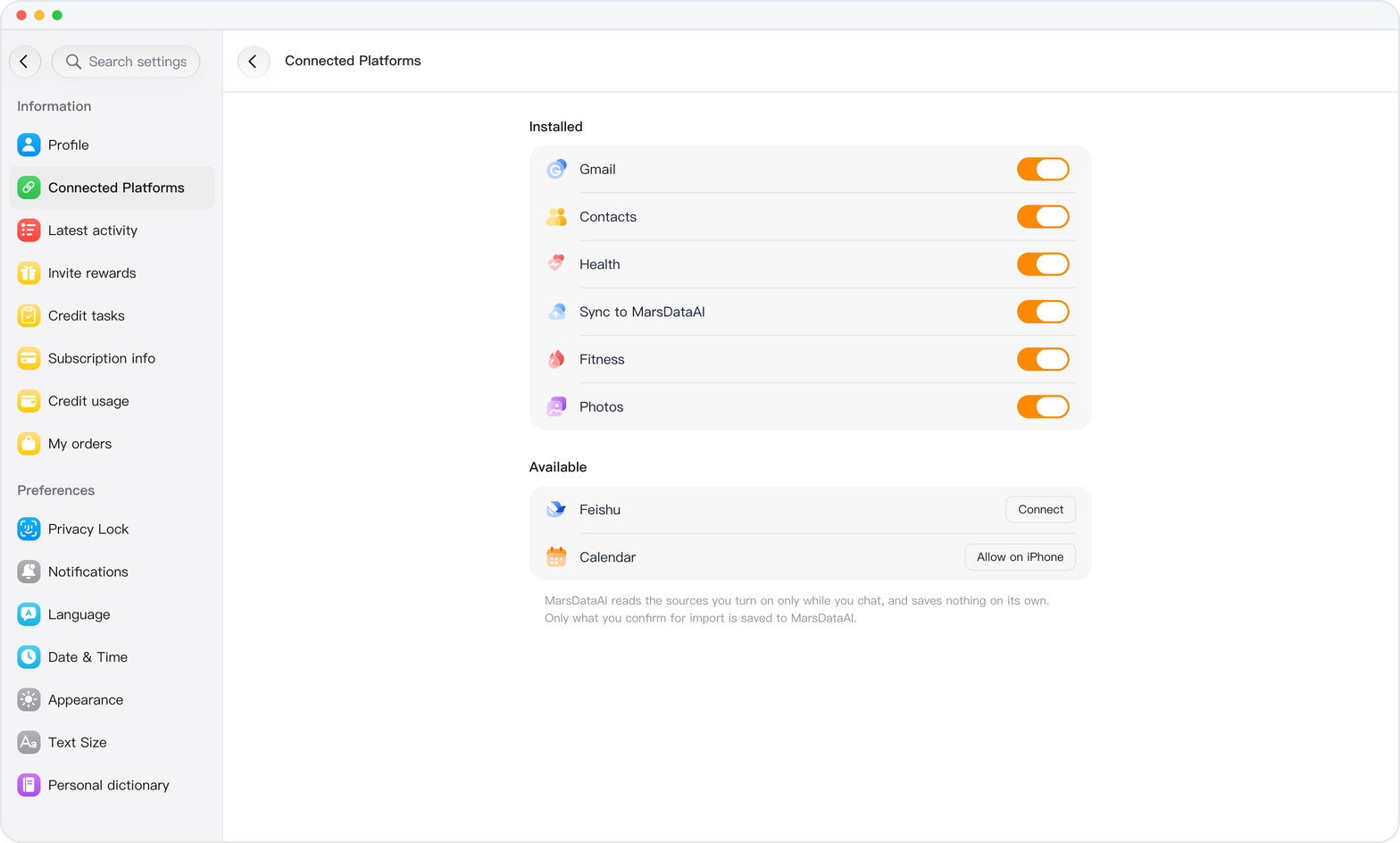
Connect Gmail with read-only access, then ask in plain words: "Draft a reply to Anna's email about the renewal." Mars searches your mail, opens the message with its sender, recipients and full text, and answers what was actually written. The connection can only read, so Mars cannot change, delete or send anything in your mailbox.
- Find a message by sender, subject or words, with the search syntax you already use in Gmail
- The whole message, including cc and the names of its attachments
- Another inbox? Paste the email or share a screenshot instead
Drafts that know the person
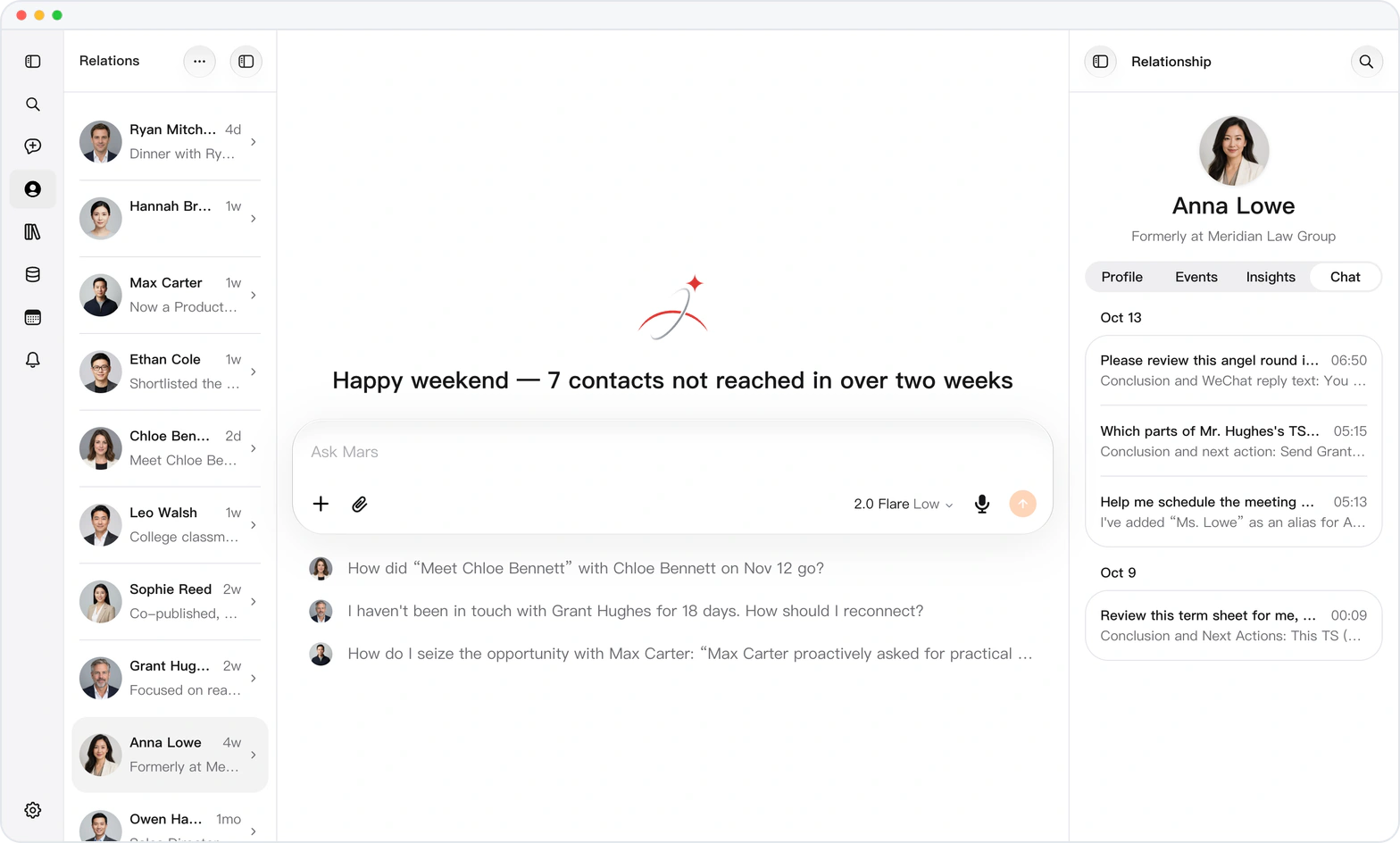
The right reply depends on who is asking. Mars brings in the sender's relationship record and your earlier conversations about them: what they care about, what you promised, where you left things. The draft answers in that context, not with a polite template.
- Facts and commitments from the person's profile
- Earlier conversations about them, found by meaning
- What the draft is based on, written beside it rather than inside the text you send
Ready to copy. Sent only by you.
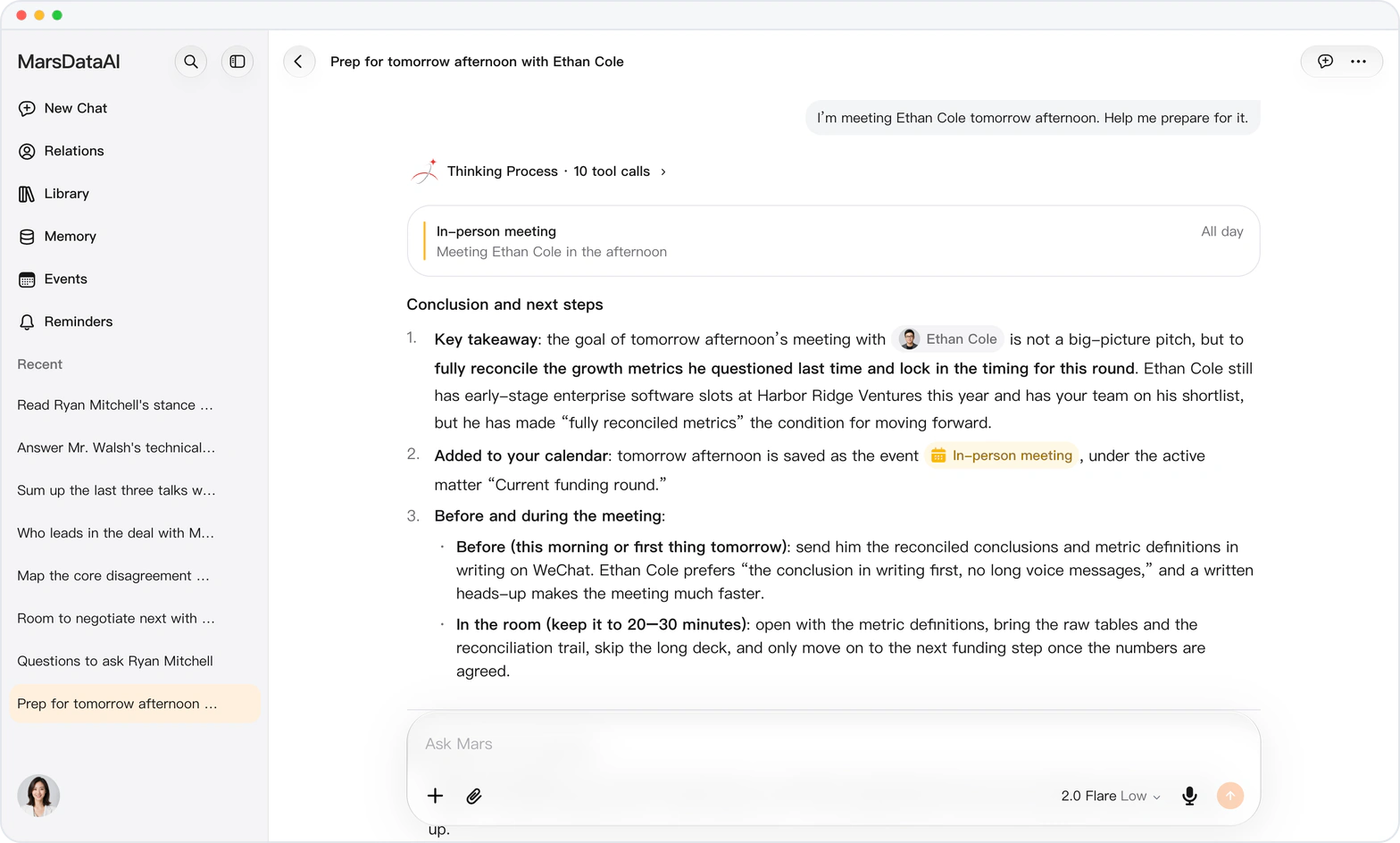
Every reply arrives in its own draft card with Edit and Copy. Ask Mars to make it shorter, warmer or more direct, fine-tune it yourself, then paste it into Gmail and press Send. Mars drafts; it never sends an email on your behalf.
- One card per draft, so alternatives stay side by side
- Copy gives clean plain text, ready to paste
- Available on the web, iPhone and Mac
Help me reply, or just give me a reply: any message, not only email
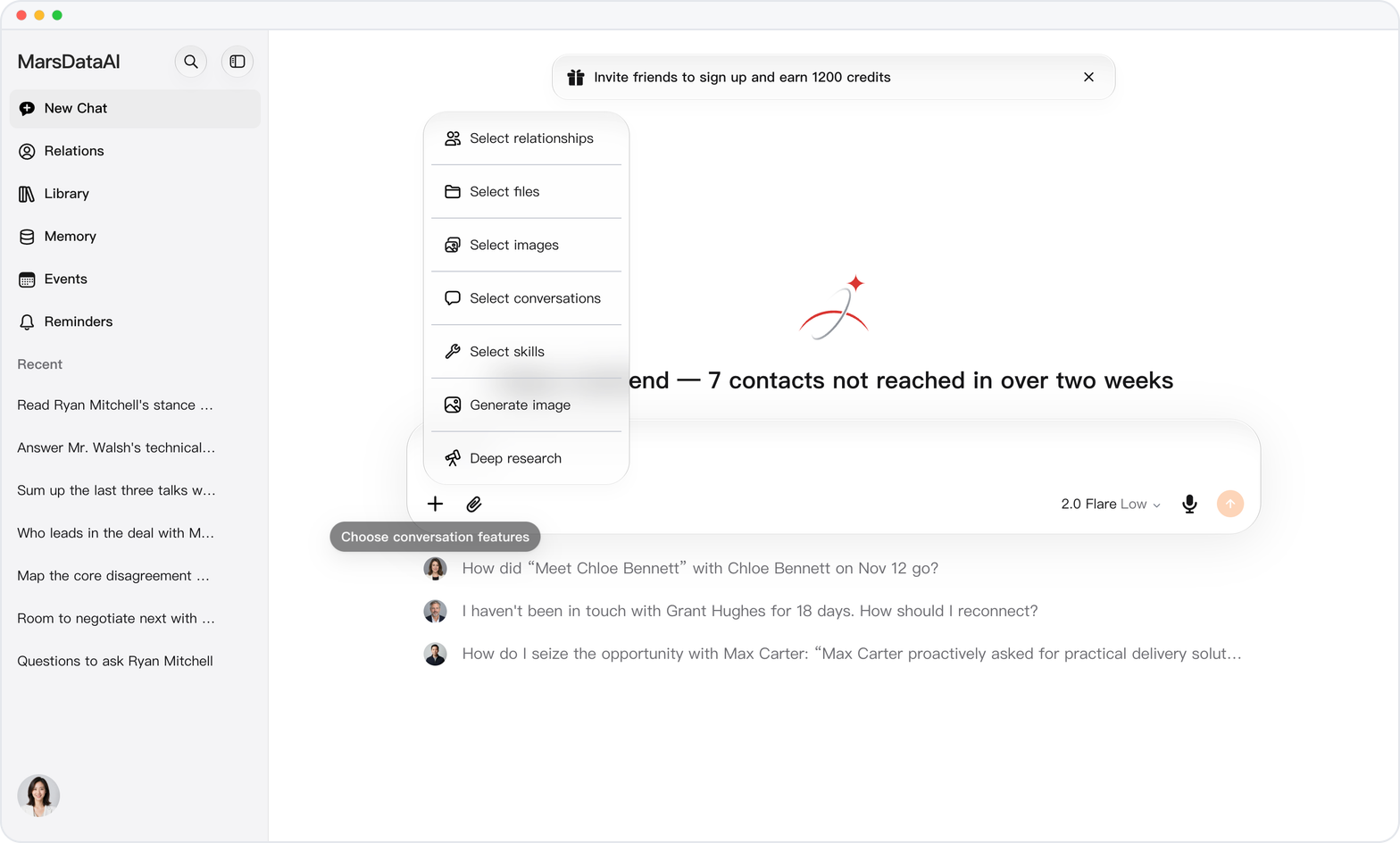
Sometimes the message is a text, a LinkedIn note or a work chat, and all you want to type is "help me reply". Paste the message or share a screenshot, say what you want to get across, and Mars drafts the answer from your history with the sender. For example, a client writes "Can we push our call to next week?" and you ask: "Help me reply, keep Thursday if possible." Mars recalls what you agreed and drafts a reply that offers Thursday first. Short on time, you can type only "give me a reply" under a screenshot of an investor asking for last month's numbers: Mars drafts a ready-to-send answer with the figures you shared before, and asks one question only when a fact is missing.
- Pasted text or a screenshot from any app
- Say the tone: shorter, warmer, firmer or more formal
- The same draft card with Edit and Copy; you send it yourself
Help me reply to this message when I do not know what to say
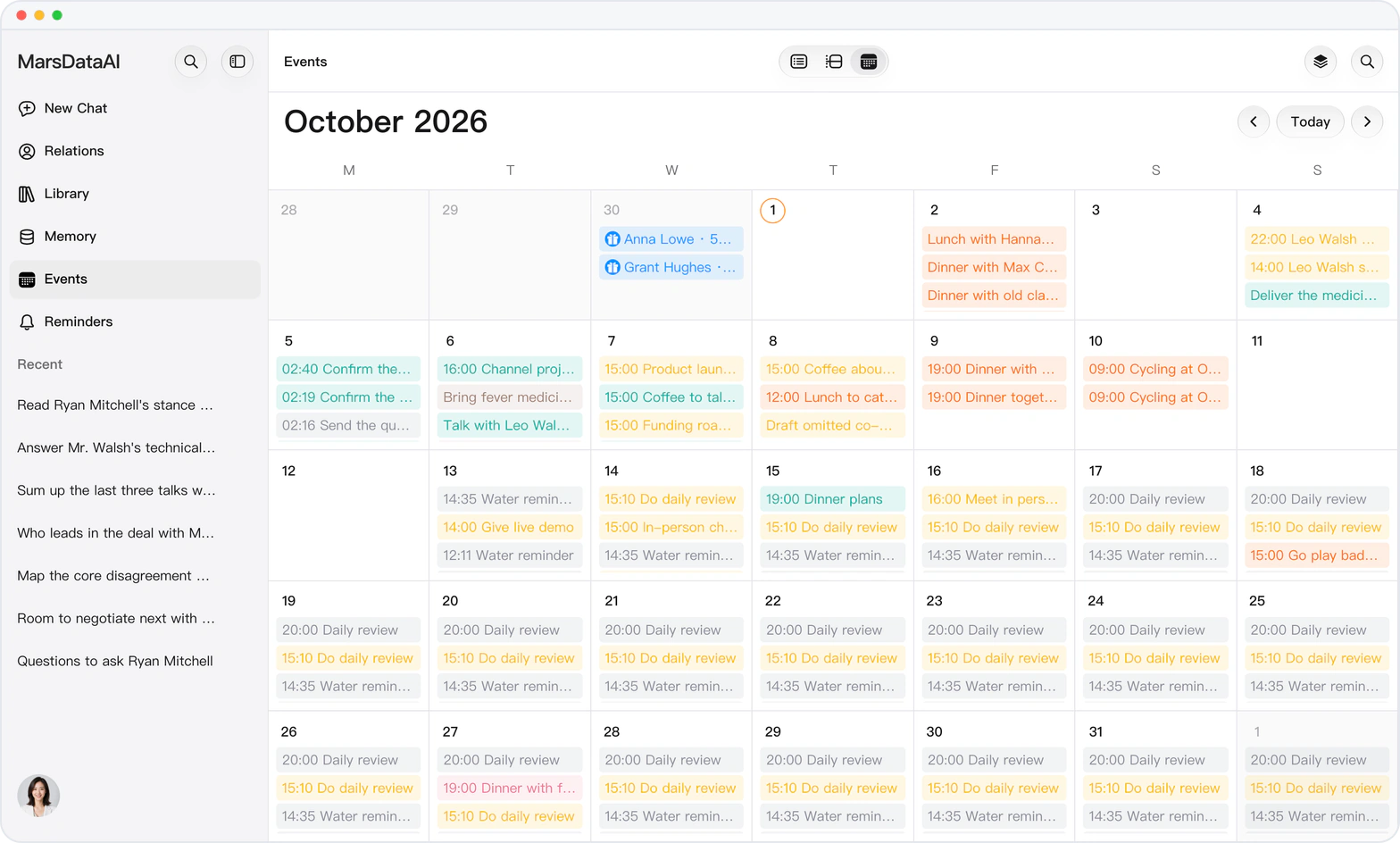
Some messages are hard to answer: a request you want to turn down, a complaint, a question you cannot answer yet. Share the message, type "help me reply to this message" and add the outcome you want. For example, a colleague asks you to take over a project on Friday and your week is already full. Mars checks the events you saved this week and drafts a reply that declines Friday, gives the reason in one line and offers the help you can give.
- Versions side by side: decline, delay or agree with conditions
- Firm without sounding cold: name the tone and Mars adjusts it
- Nothing is sent for you; copy the version you like
How to reply to an email professionally, with a draft that gets the facts right
To reply to an email professionally, answer within a working day, greet the sender by name, put your answer or decision in the first line, add only the detail they need, state the next step with a date and sign off with your name. A template gives you that shape; the facts still have to be right. For example, a supplier writes "Can you confirm the revised delivery date?" and you ask Mars: "Reply professionally, confirm 18 November and ask for the tracking number." Mars reads the email and your earlier conversations with the sender, then drafts: "Hi Daniel, thank you for the update. 18 November works for us. Could you send the tracking number once it ships? Best regards". You edit it and send it yourself.
- The professional shape: greeting, answer first, needed detail, next step, sign-off
- Versions side by side when you need to decline, delay or follow up
- Say the tone, more formal, warmer or shorter, and Mars rewrites the draft
From inbox to reply in three steps
- Connect GmailAllow read-only access under Settings > Connected Platforms, or skip it and paste the email.
- Ask for a replyFor example: "Reply to Anna's last email and confirm Thursday."
- Copy and sendEdit the draft card, copy it and send it from your own mailbox.
See the rest of Use cases in MarsDataAI Wiki.