The AI voice recorder that keeps who, what and when
A plain recorder hands you an hour of audio and a wall of text. Mars, the AI voice recorder, hands you the people, the plans and the next step, spelled the way you write them.
Talk, or drop in the whole meeting
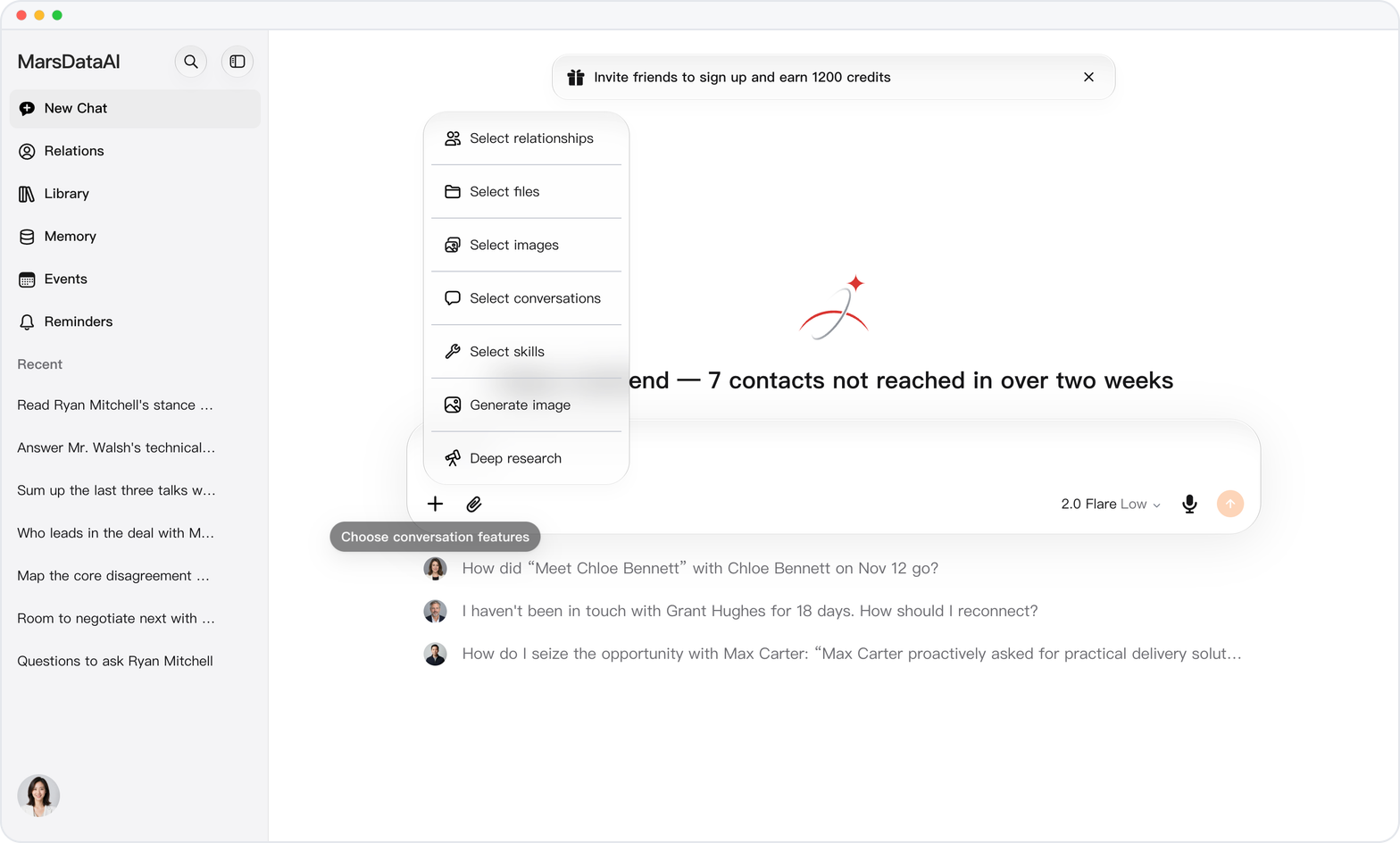
Speak straight into the box you type in, or send audio and video up to 2 GB. Recordings longer than 20 minutes are transcribed in parts with every timestamp kept, so there is nothing to trim or split before you upload.
- Voice input in the composer, on the web and on iPhone
- Audio and video files up to 2 GB in one conversation
- Long recordings transcribed in parts, timestamps intact
Names and jargon, spelled your way
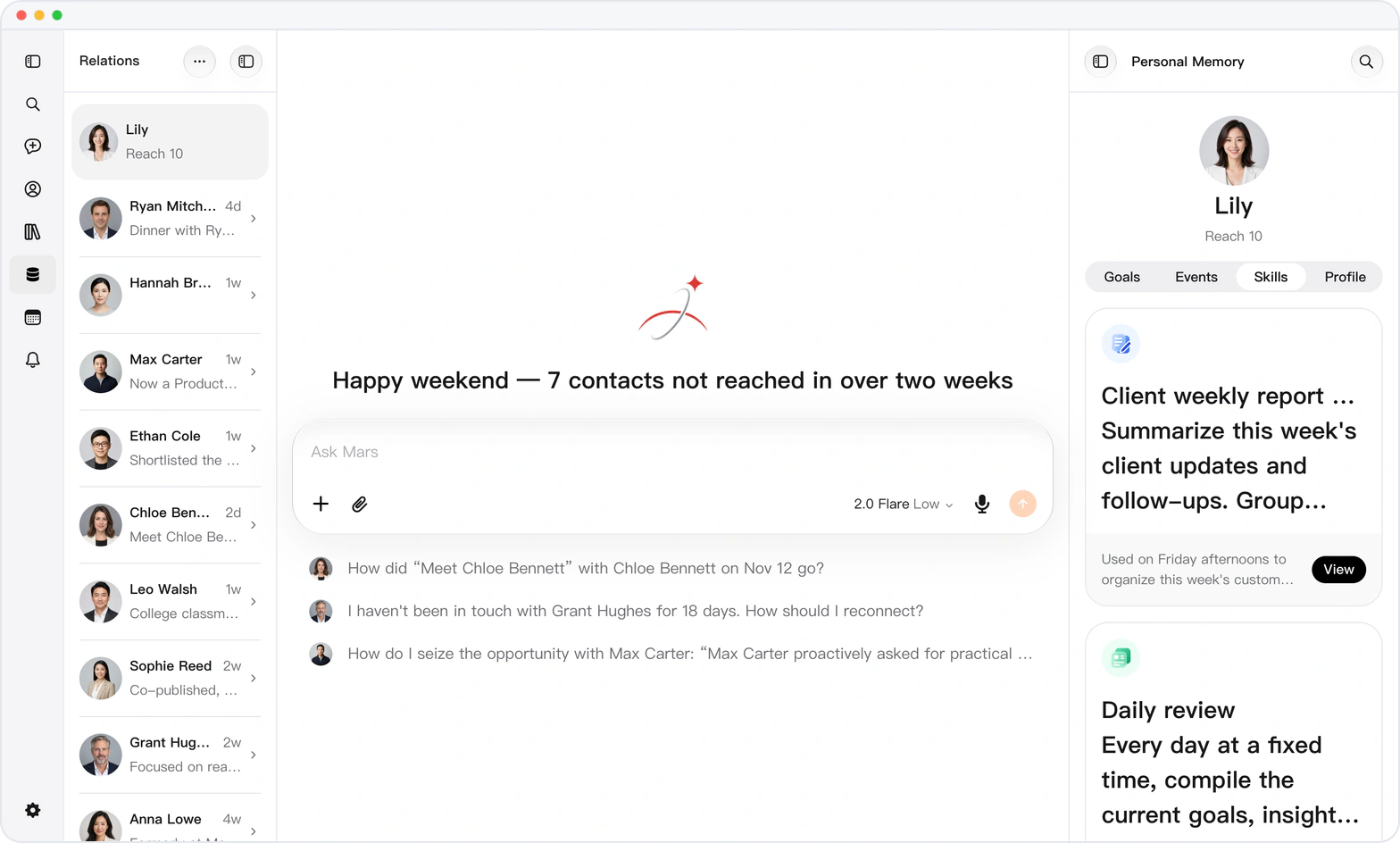
Plain voice to text AI hears a name and guesses. Teach Mars once: add the names, companies and industry terms you use to your personal dictionary, and both live voice input and recording transcripts write them the way you do.
- Add your own names, companies and jargon in the personal dictionary
- Import your contacts' names and companies in one step
- A correction you keep making joins the dictionary on its own, and you can take it back
From recording to calendar, without retyping
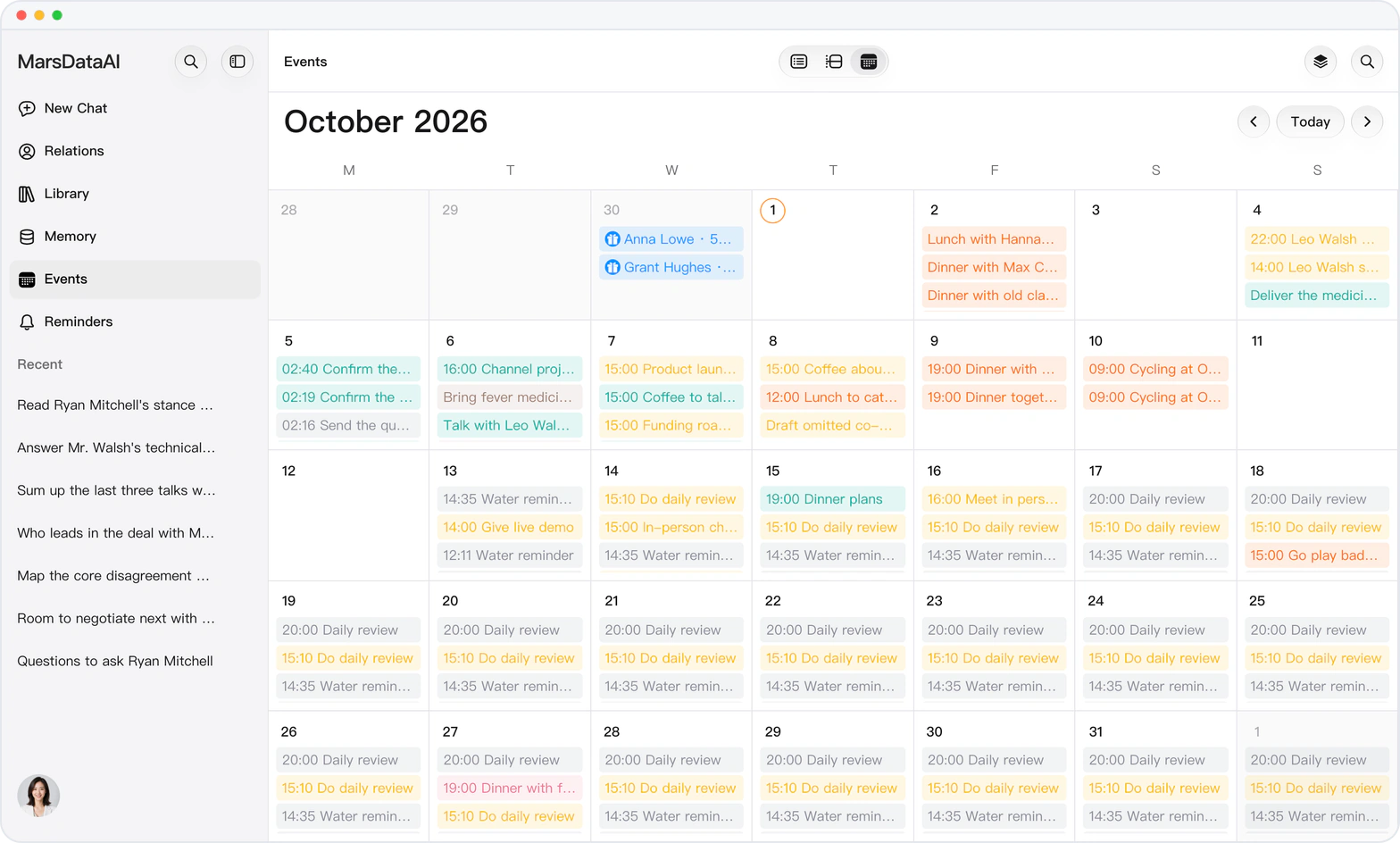
A transcript is only the start. When a meeting or plan comes up, Mars saves it as an event linked to the people involved, so it shows on each person's record. A name it does not know yet comes back as a question, never as a guess.
- Plans and dates saved as events on the people involved
- Ask for a reminder and the event carries it
- Follow-up messages drafted for you to edit, copy and send yourself
A voice memo after every meeting, filed on the right person
Walking out of a coffee chat? Tap the microphone, or press ⌘D / Ctrl+D on the web, and say what you learned. Your words appear as you speak, one dictation can run up to an hour, and when you press Send Mars files each detail under the person it is about.
- Words appear live while you talk; nothing is sent until you press Send
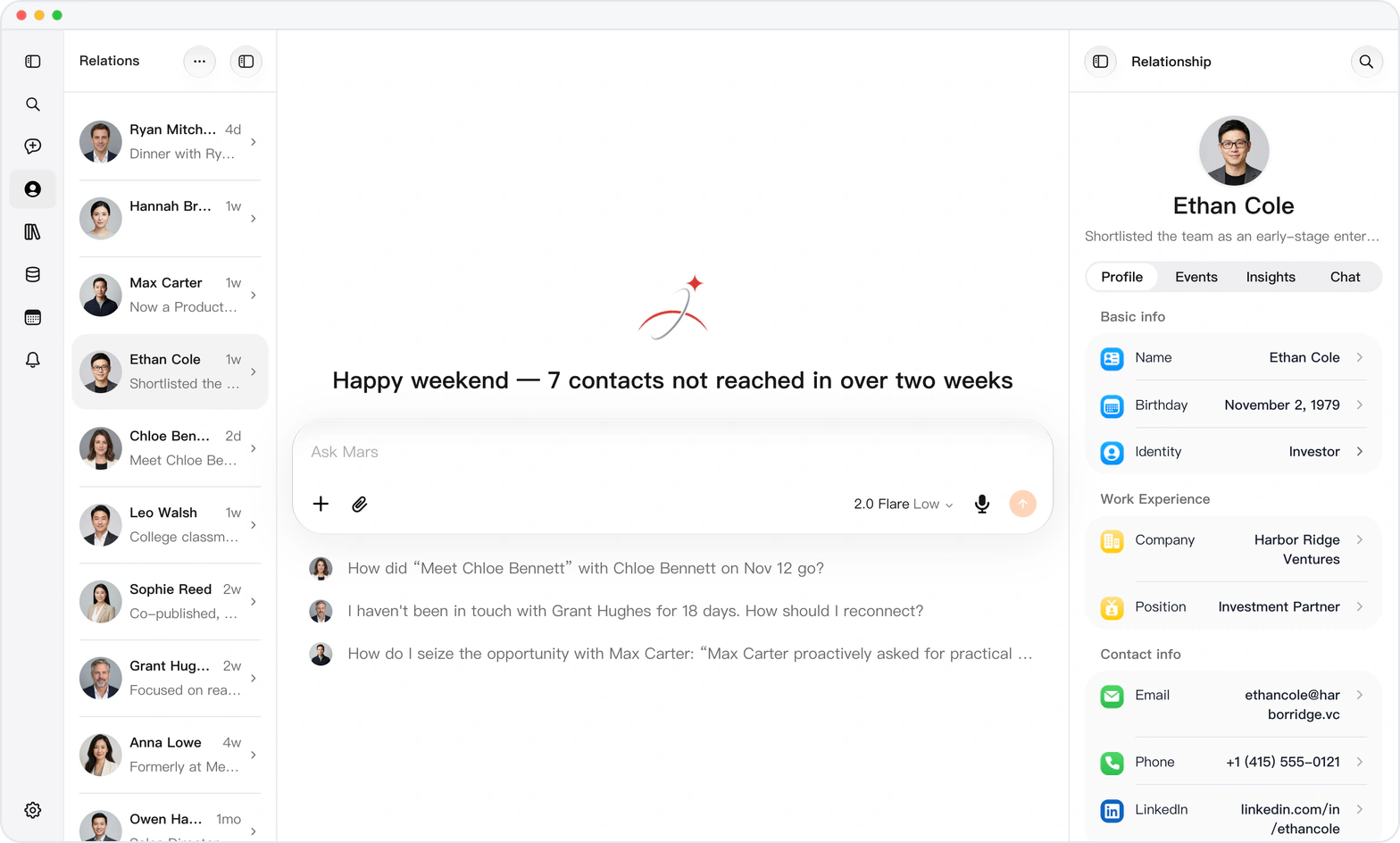
- Roles, preferences and promises filed on each person's profile
- If the connection drops, the dictation finishes uploading once you are back online
How it works
- Record or uploadSpeak into the composer, or send a recording of a call or meeting.
- Ask what you needFor example: "What did I promise and to whom?" or "Save the meetings we set."
- Get people, plans and draftsMars answers from the transcript, saves the events and drafts the follow-ups.
See the rest of Use cases in MarsDataAI Wiki.