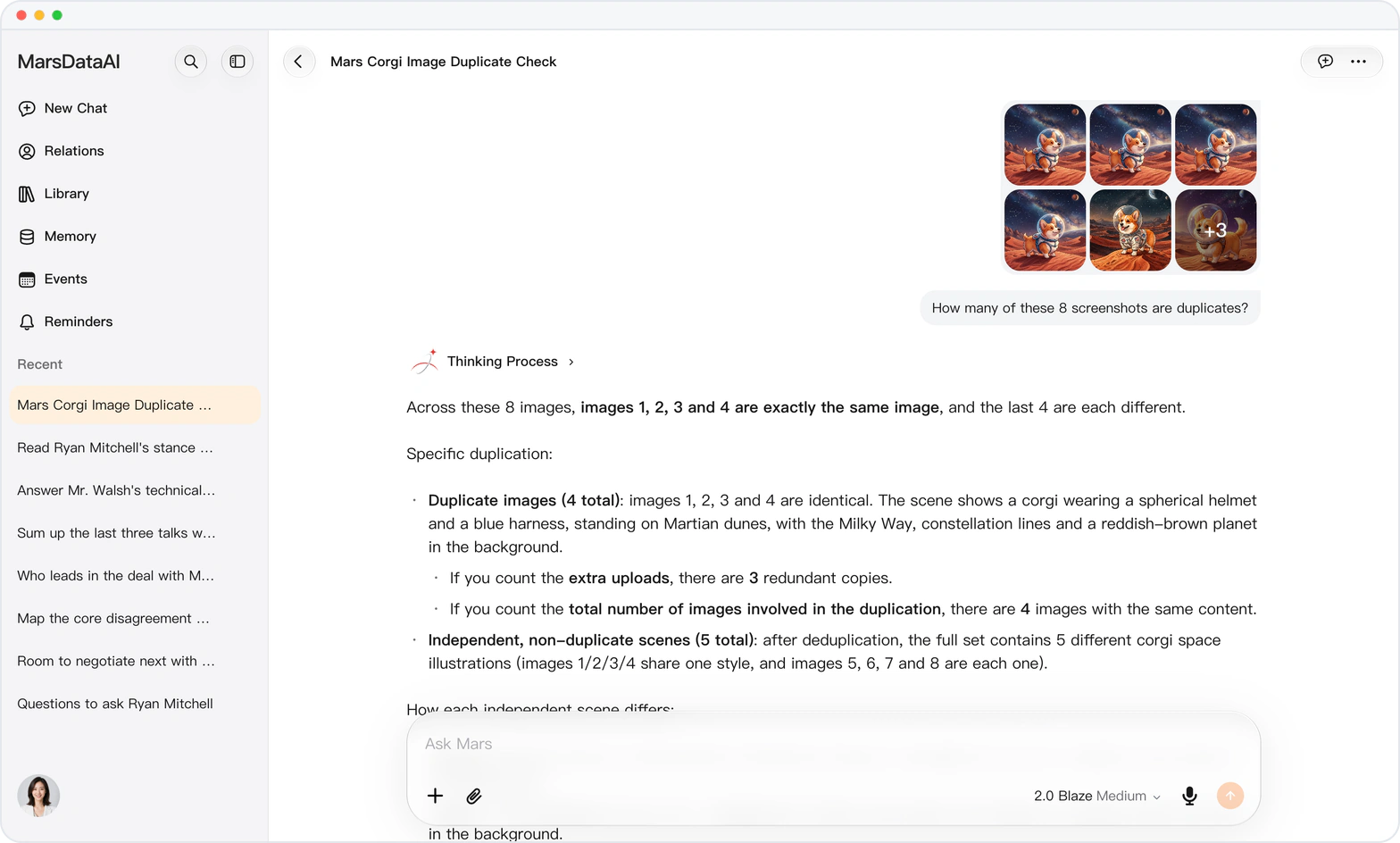
A batch of pictures, one tidy message
Sending a batch of screenshots shouldn't flood the conversation.
Two or more pictures sent together appear as one grid above your question, on the web and on iOS. Tap any tile, including the +N tile, to open a gallery with every picture from that message and a row of thumbnails underneath. No more picture-by-picture scroll, and no hunting up and down the conversation to see them again.
A batch of screenshots stays one message, tidy to send and easy to browse.
See the rest of the October 18 release in the changelog.