How to use an AI assistant app with recordings
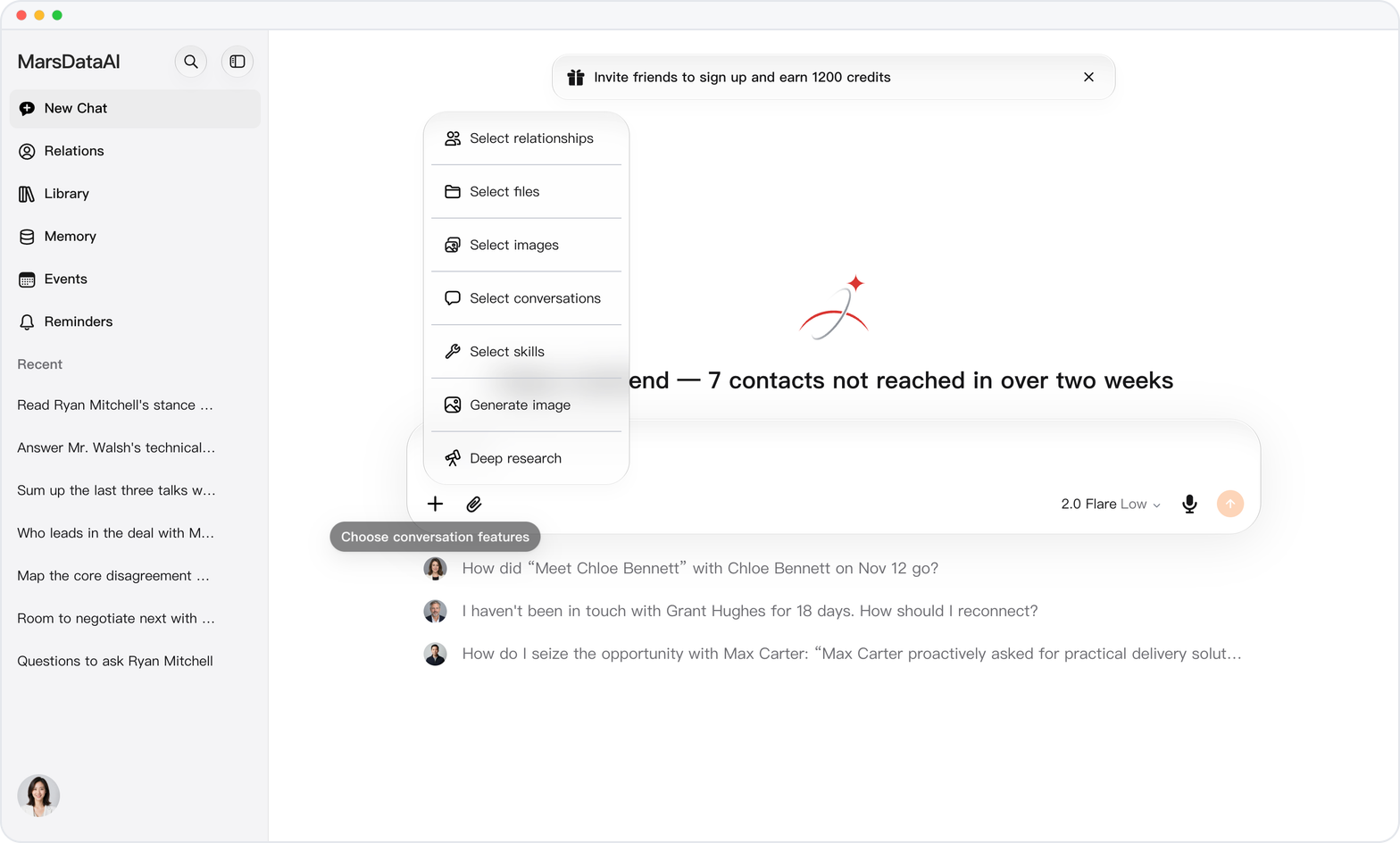
MarsDataAI is an AI assistant app: type, speak or send files and recordings up to 2 GB in one conversation, and every task starts there.
Type or speak in the composer, or send several pictures, documents and audio or video up to 2 GB at once. Pictures fall into a tidy grid that opens as a full-screen gallery, and meetings over 20 minutes are transcribed in parts with every timestamp kept, so there is nothing to trim before you upload. Switch between Mars-2.0 Blaze, Flare and Ember at any time; a conversation running in the background shows a progress ring and an unread dot in the sidebar, so you never have to wait on it.
How this AI assistant app works, step by step
In this AI assistant app, you start one conversation and bring in what you have. MarsDataAI reads the material you attach and answers in the same thread. When it needs a decision, a short question panel replaces the composer, with up to five numbered questions, and your answers survive closing and reopening it. Later, Find in Chat locates any keyword in a long thread. Quote lifts a line from an earlier conversation into your next question. MarsDataAI can also open a new conversation for a separate task and send it the background and your request as the first message.
Keeping you in control of what is shared
Use MarsDataAI for mixed work, such as a meeting recording, a pile of files and a passing thought that needs to become a plan. Sharing stays your choice. Share creates a link, and an access password can protect it with a random six-character password. Stop sharing revokes the old link, so it stops working. Answers keep streaming if you leave the app or reload the page, and a failed turn offers retry.
Drop a meeting, a pile of files or a passing thought into one thread, and MarsDataAI takes it from there.
See the rest of Conversations & Agent in MarsDataAI Wiki.