How does the AI assistant subscription work?
Pick an AI assistant subscription that shows your AI credits day by day, with every charge listed on the usage page. Pay on the web or on iOS.
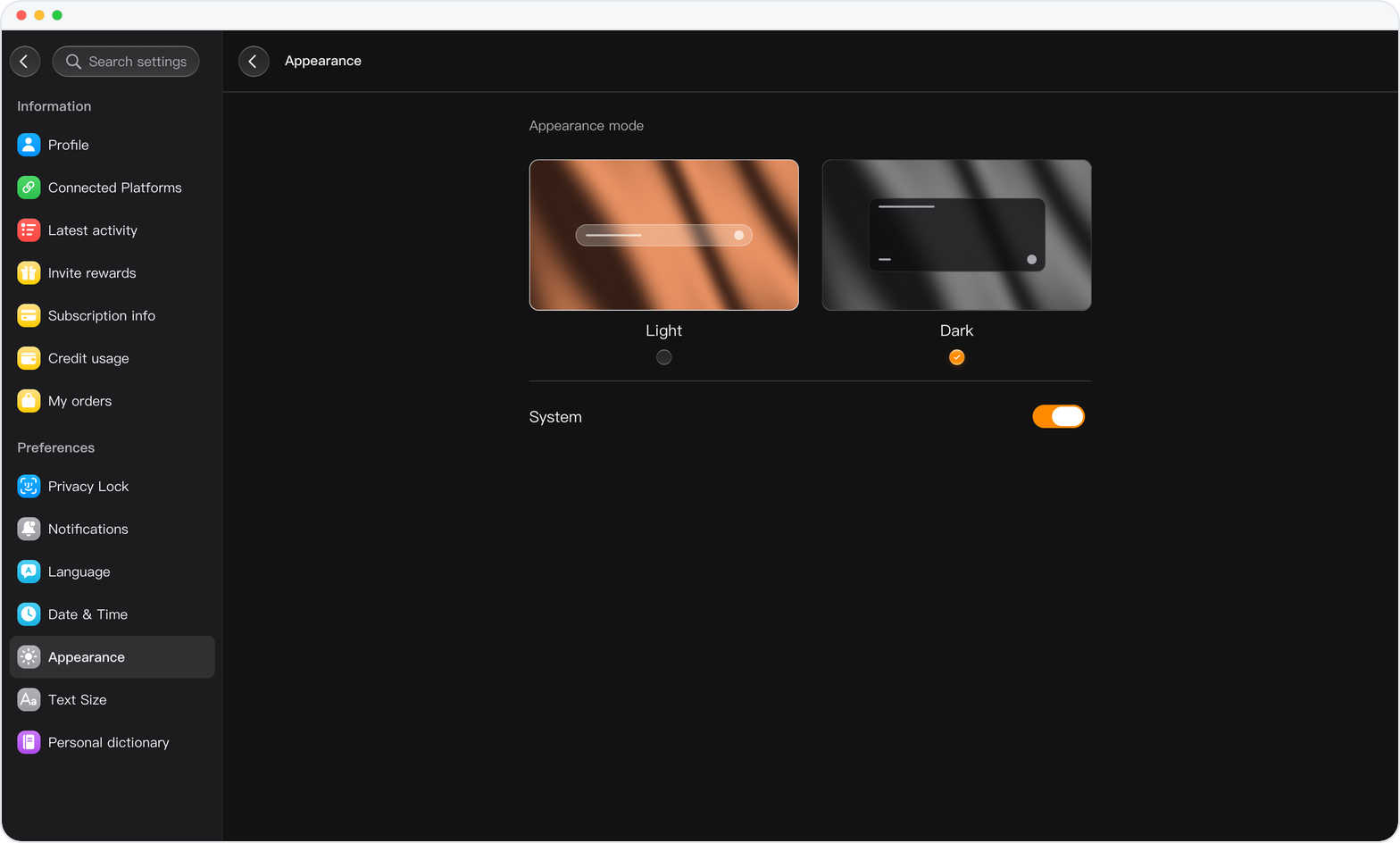
Follow the system or pick Light or Dark, set conversation text in five steps from 12 pt to 20 pt, and choose Simplified Chinese, Traditional Chinese or English with your city's time zone. Subscription and Quota Balance show your credit use day by day; subscribe through Stripe Checkout on the web or the App Store on iOS, and redeem coupons or offer codes.
How the AI assistant subscription works
Subscribe on the web through Stripe Checkout, or on iOS through the App Store. Subscription and Quota Balance show your plan and the credits you have left, and you can also redeem coupons or offer codes. The home screen can show a credits card with your plan and remaining credits, and the lock screen can show the share left in a ring, so you can check without opening the app. Your AI assistant subscription shows the same numbers on every screen.
Read your AI credits day by day
The usage page lists every model call that used credits, with its start time, model, tokens and the credits charged or refunded. Each charge is a base model fee plus a tool fee, so a turn that calls more paid tools costs more, and the tool fee appears in that turn's rows. A turn that fails refunds its calls. The usage page shows the actual charge for each call.
Appearance and text size that fit how you read
Follow the system, or choose Light or Dark. Set conversation text in five steps, from 12 pt to 20 pt. Pick Simplified Chinese, Traditional Chinese or English, and set your city's time zone. Running out of credits never cuts off a turn mid-way; the answer in progress is delivered in full before the limit applies. Choose the city whose time zone you want to use. Each option is a plain setting you can revisit.
Every screen fits how you read, and running out of credits never cuts off a turn mid-way.
See the rest of Account Security, Privacy Lock & Preferences in MarsDataAI Wiki.