What can Apple Health AI tell you about sleep?
Your Apple Health app is full of numbers but short on answers. Allow it on iPhone and ask MarsDataAI how you slept, moved and ate, in plain words.
In the MarsDataAI iOS app, open Connected Platforms and allow Health information. MarsDataAI then reads Apple Health live while you chat: steps, sleep stages, resting heart rate, HRV, blood oxygen, weight, water and nutrition such as protein, sugar and caffeine. Turn on Sync to MarsDataAI and your daily summaries also reach the web and your other devices. Instead of scrolling charts, you ask one question and get an answer from one merged read of your data.
Connect Apple Health to MarsDataAI on iPhone
Open the MarsDataAI app on your iPhone, go to Settings and choose Connected Platforms. Tap Health information and allow the categories you want in Apple's own permission sheet; Fitness is a separate switch beside it. Each source is its own choice, so allowing health data never unlocks contacts or photos. Turn on Sync to MarsDataAI if you also want your daily summaries on the web and your iPad or Mac. You can change any permission later in iOS Settings.
Questions Apple Health AI can answer
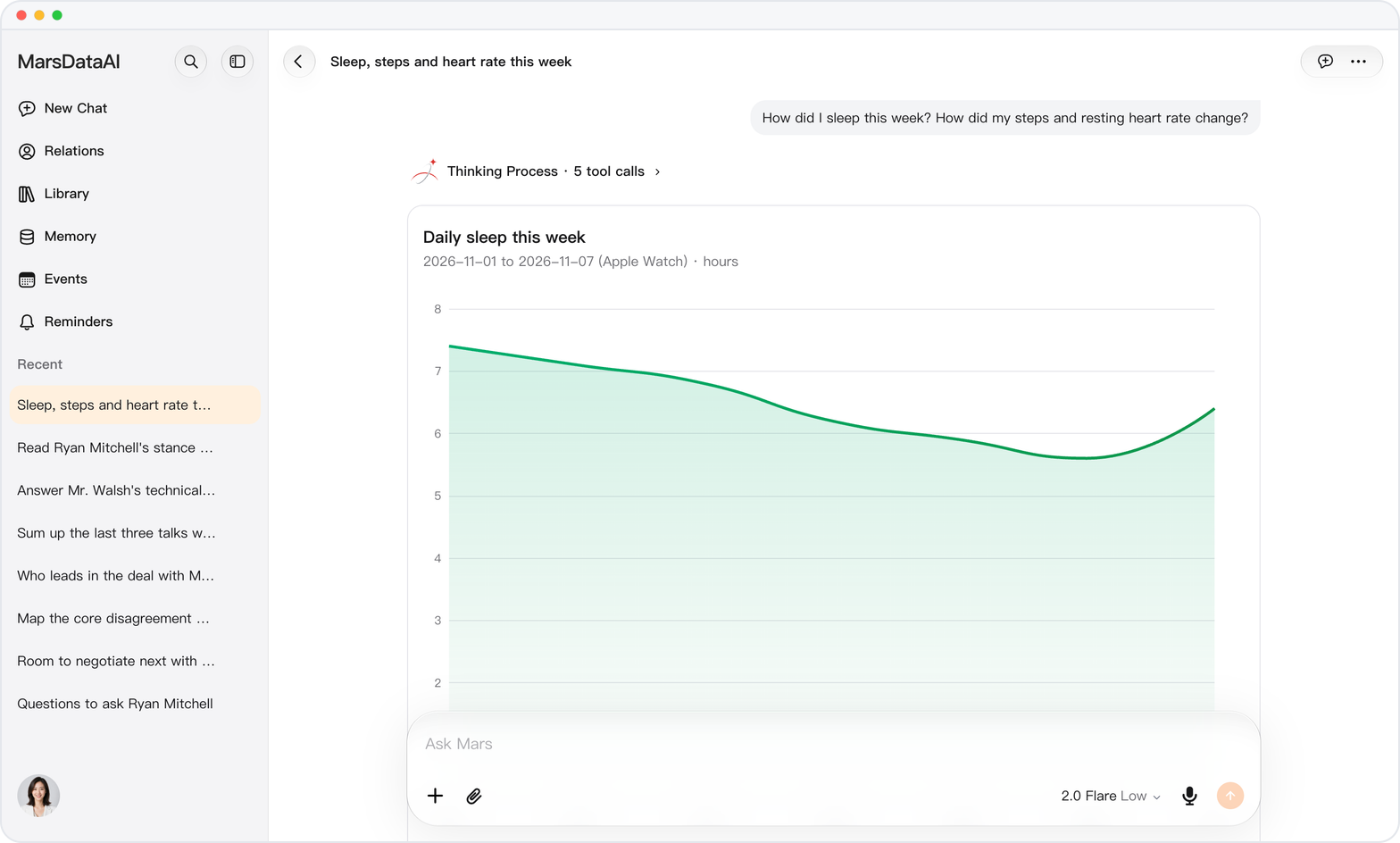
Ask how you slept this week, and MarsDataAI counts each night once even when several apps record it, with deep, REM, light and awake stages. Ask whether your steps or active energy are trending down, how your resting heart rate and HRV changed, or how much protein, sugar or caffeine you logged. Implausible daily values are flagged rather than trusted. You can also tell MarsDataAI a smart-scale reading in chat and it saves body fat, muscle, water and BMI as one weigh-in for later trends.
Private by default, and not a doctor
MarsDataAI reads Apple Health only after you allow it, and reading does not store anything. Only the daily summaries you choose to sync, and the measurements you ask MarsDataAI to record, are kept. Turn off Sync to MarsDataAI or revoke access in iOS Settings at any time. MarsDataAI is not a medical service: it describes your data in plain language and suggests questions worth taking to a professional, so you arrive at an appointment better prepared.
You understand your own health trends in a sentence, on whichever device is in your hand.
See the rest of Connected Platforms & Sync in MarsDataAI Wiki.