How does AI web browsing keep logins private?
AI web browsing for public pages: MarsDataAI reads what a signed-out visitor sees, so your passwords, cookies and logins never leave your hands.
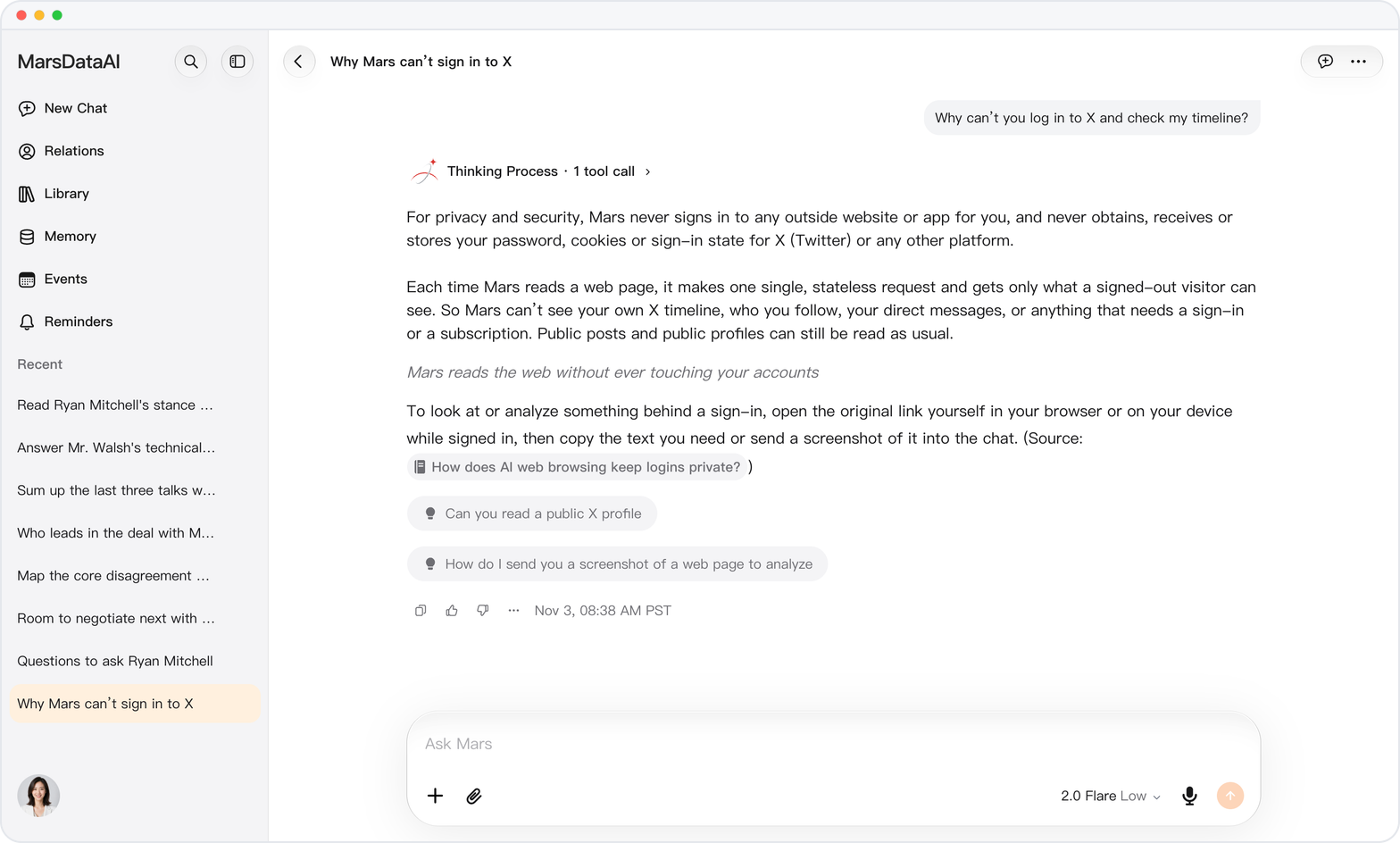
When you send a link or a search finds a page, MarsDataAI fetches it once and reads what any signed-out visitor sees: no account, cookie, password or saved login goes with it, and nothing stays signed in. MarsDataAI takes no cookies or passwords for sites such as X (Twitter) or Guancha and never drives a browser for you; when a page asks for a login or a verification check, it tells you it could not read it instead of guessing. For member pages or messages, open the original link: a new tab on the web, the in-app browser on iOS with one tap to Safari. You stay signed in on your own device only, then paste or screenshot what you want MarsDataAI to work on.
Steps to read web pages with AI, one request at a time
First, you send a public link, or a search finds the page. Second, MarsDataAI fetches the page once and reads what any signed-out visitor sees. Each read is a single request for that one address. It carries no account, cookie, password or saved login, and nothing stays signed in between reads. Third, if the page asks for a login or a verification check, MarsDataAI tells you it could not read the content instead of guessing. MarsDataAI never signs in to X (Twitter), Guancha or other sites for you, and never operates a browser on your behalf.
What AI web browsing cannot read, and how to reach it
AI web browsing cannot see your own X timeline, the accounts you follow, your messages, or member-only and paywalled pages. Public pages, public posts and an account's public posts remain readable. For content behind your login, open the original link yourself. On the web it opens in a new browser tab; in the iOS app it opens in the in-app browser, and its Safari button opens the same page in Safari. Sign in there, and the login stays on your own device. MarsDataAI's page reading never uses that login. Then paste or screenshot the part you want MarsDataAI to work on.
Web pages inform MarsDataAI, and you choose what gets saved
Text on a web page is information, never instruction, so requests written inside a page are not followed. Before MarsDataAI saves a value that only a web page gave, such as a fact about a contact or a record field, it quotes that value in a question with Save and Don't save buttons, and writes it only after you choose Save. MarsDataAI also does not open a link or show an image that would send your records or your words to an address no source gave.
Your accounts stay in your hands, public pages stay readable, and you can still bring in anything you sign in to.
See the rest of Deep Research & Visual Cards in MarsDataAI Wiki.